Your desktop, in VR.
Next Eye puts your monitors and windows around you, a watch on your wrist and a keyboard at your fingertips — so you never take the headset off to do something on your PC.
Every monitor. Or just the window you need.
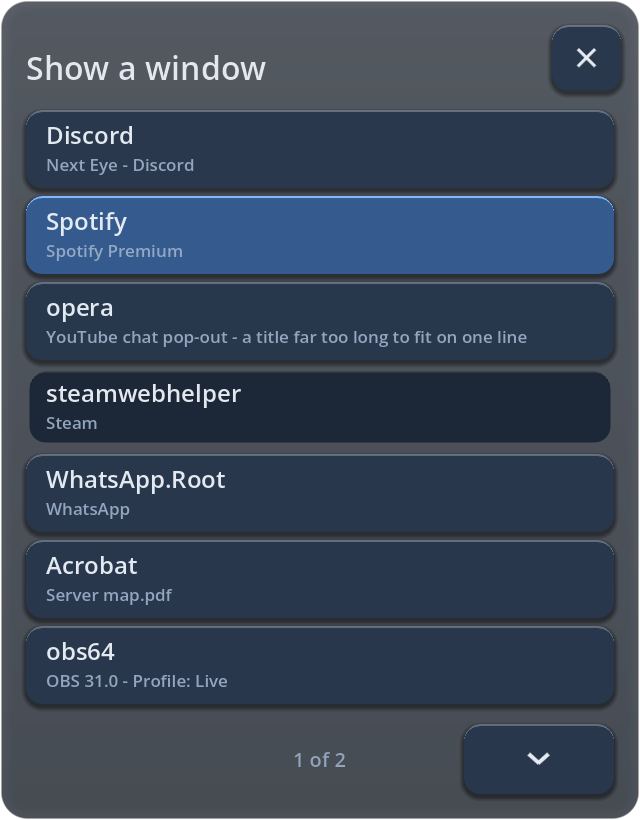
Bring any monitor into VR, or a single program — Discord, Spotify, a browser, a PDF. Point and pull the trigger to click, scroll with the stick, drag with the grip.
- Push, pull and resize with the stick; screens turn to face you
- Curve gently when close, stay flat when far
- Nine presets that follow you — saved around where you look
- Throw a screen away to hide it, bring it back with one tap
Everything, one glance at your wrist.
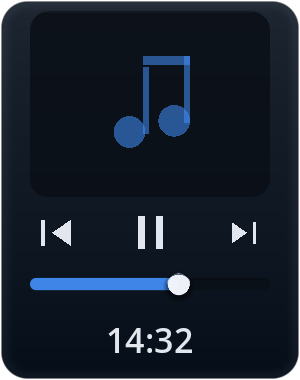
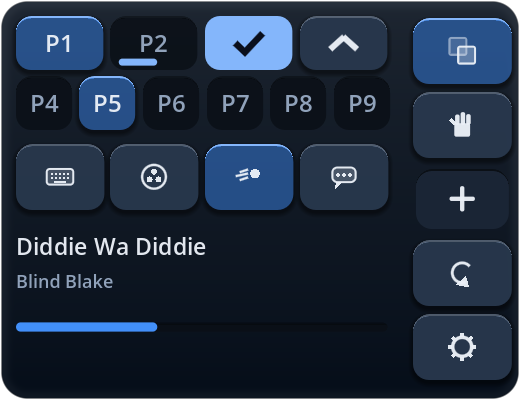
Look at your wrist and the watch appears: the time, what's playing and your presets. Twist your wrist and a drawer opens with every button.
- Music with cover art, play, pause and volume
- Nine layouts, keyboard, settings — all within reach
- Panels snap onto the watch with a satisfying magnet pull
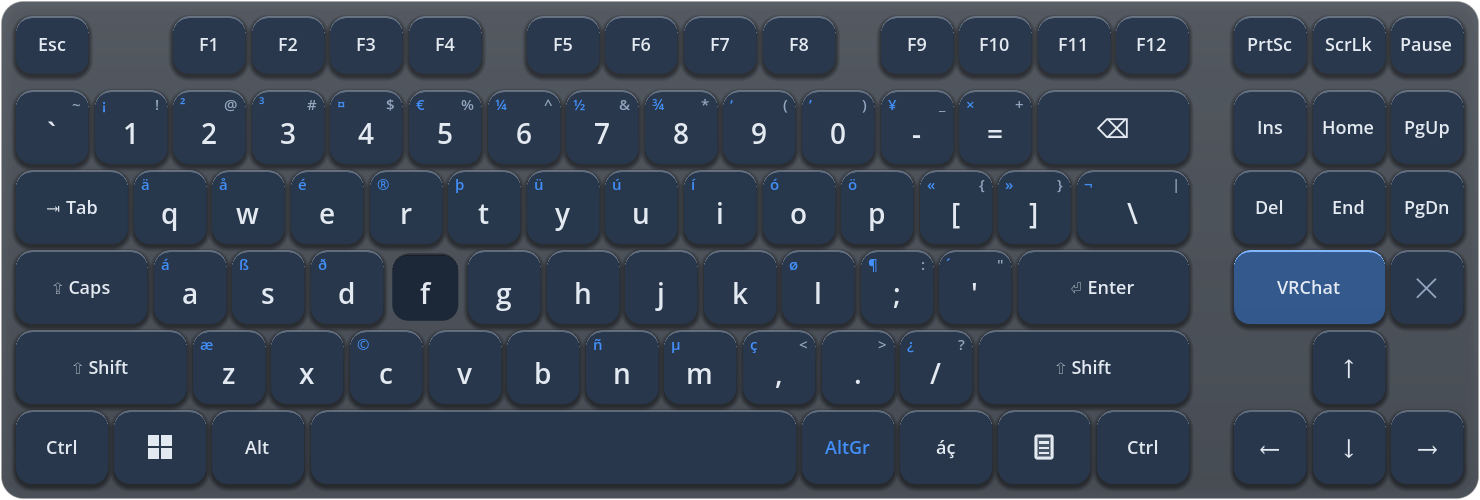
A keyboard that types anywhere.
Type with both hands into any program on your PC — or straight into the VRChat chatbox, with a typing indicator and your recent messages one tap away.

Moves that just make sense.
No menus for the things you do all the time.
Run your stream without leaving the game.
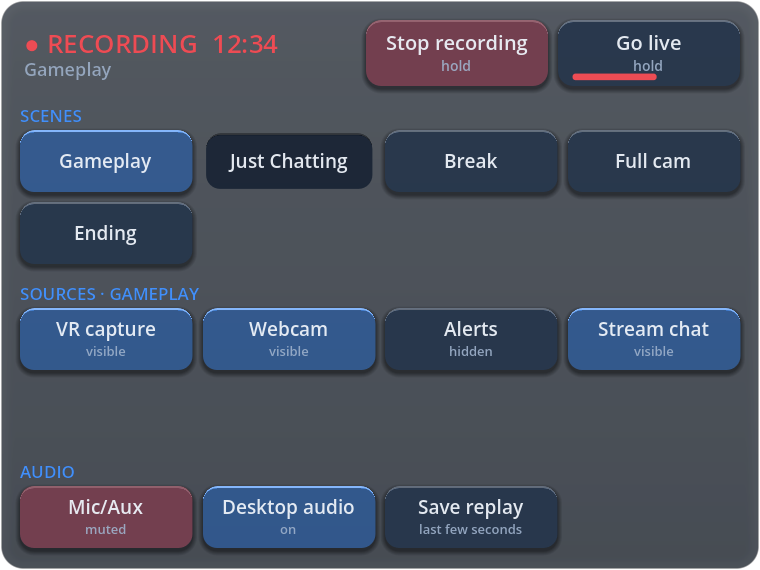
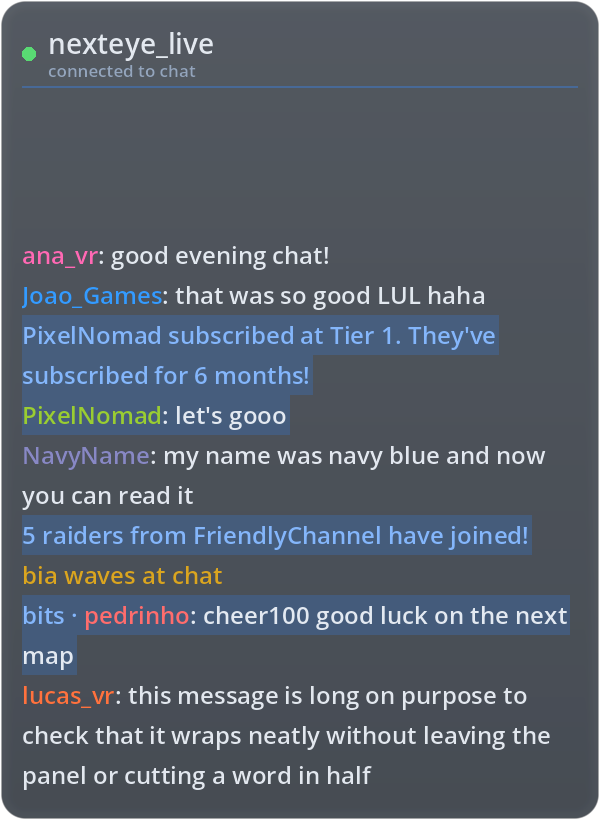
An OBS deck on your wrist and your Twitch chat beside it. Record and go live with a hold, so nothing starts by accident.
- Switch scenes, show and hide sources, mute inputs
- Hold to record, hold to go live, save replays
- Connects to OBS by itself — no password to copy
- Read-only Twitch chat with emotes, no login needed
Know your frame rate at a glance.
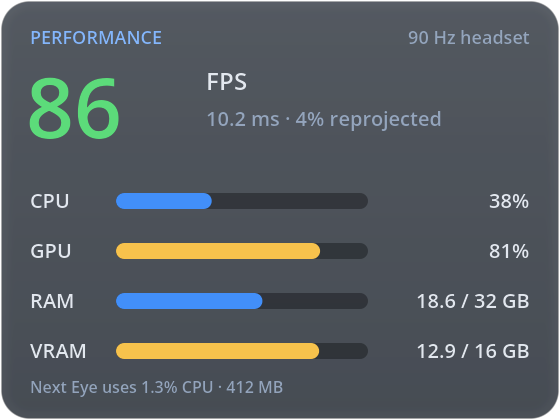
Switch on the performance monitor and it sits above your watch: game FPS against your headset's refresh rate, reprojection, CPU, GPU, RAM and video memory — and how little Next Eye itself uses.
- Green, yellow, red at a glance
- Only measures while it is open
- Throw it away to switch it off
Thoughtful down to the details.
The small things that make it feel finished.
VRChat avatars
Tells your avatar when screens, the keyboard or the watch are open, the way overlay-aware avatars expect.
10 languages
English, Português, Español, Deutsch, Français, Русский, 简体中文, 日本語, 한국어 and Polski.
Starts with SteamVR
Opens when SteamVR opens and closes when it closes. Lives quietly by the clock on your taskbar.
Private by design
No account, no tracking, no analytics. Your screen never leaves your PC.
Welcome tour
A short tour on the first run shows the watch, screens, presets and gestures.
Admin-aware
Tells you when Windows blocks clicks on a program running as administrator — and fixes it in one click.
Questions
Which headsets does Next Eye work with?
Any headset that runs SteamVR on Windows 10 or 11: Valve Index, Meta Quest (Link, Air Link, Virtual Desktop, Steam Link), PICO (PICO Connect), HTC Vive, Windows Mixed Reality and others.
Does it work over any game?
Yes. Next Eye is a SteamVR overlay, so it shows on top of whatever you are playing, and your clicks on its panels don't reach the game.
Does it slow my game down?
It is built to stay out of the way: screens go straight from Windows to your headset on the graphics card, and nothing runs while nothing is shown. The built-in performance monitor shows exactly what it uses.
Do I need an account?
No. There is no account, no sign-in and no data collection.
How do I get help?
Read the support page or write to nexteyesupport@gmail.com.
Put your desktop where you play.
Next Eye is coming to Steam.